Keeping children safe online has become a real concern for parents. Kids use the internet for learning, games, and staying in touch, but it also exposes them to risks like cyberbullying, scams, and privacy issues. That’s why building strong internet safety for children is essential.
Parents can improve online safety for kids by choosing safe apps, setting simple rules, and keeping an eye on their online activity. Teaching children about child online privacy, phishing tricks, and safe behavior helps them make better decisions.
When you talk openly and guide them with clear boundaries, it becomes easier to keep kids safe on the internet while still allowing them to explore and learn.
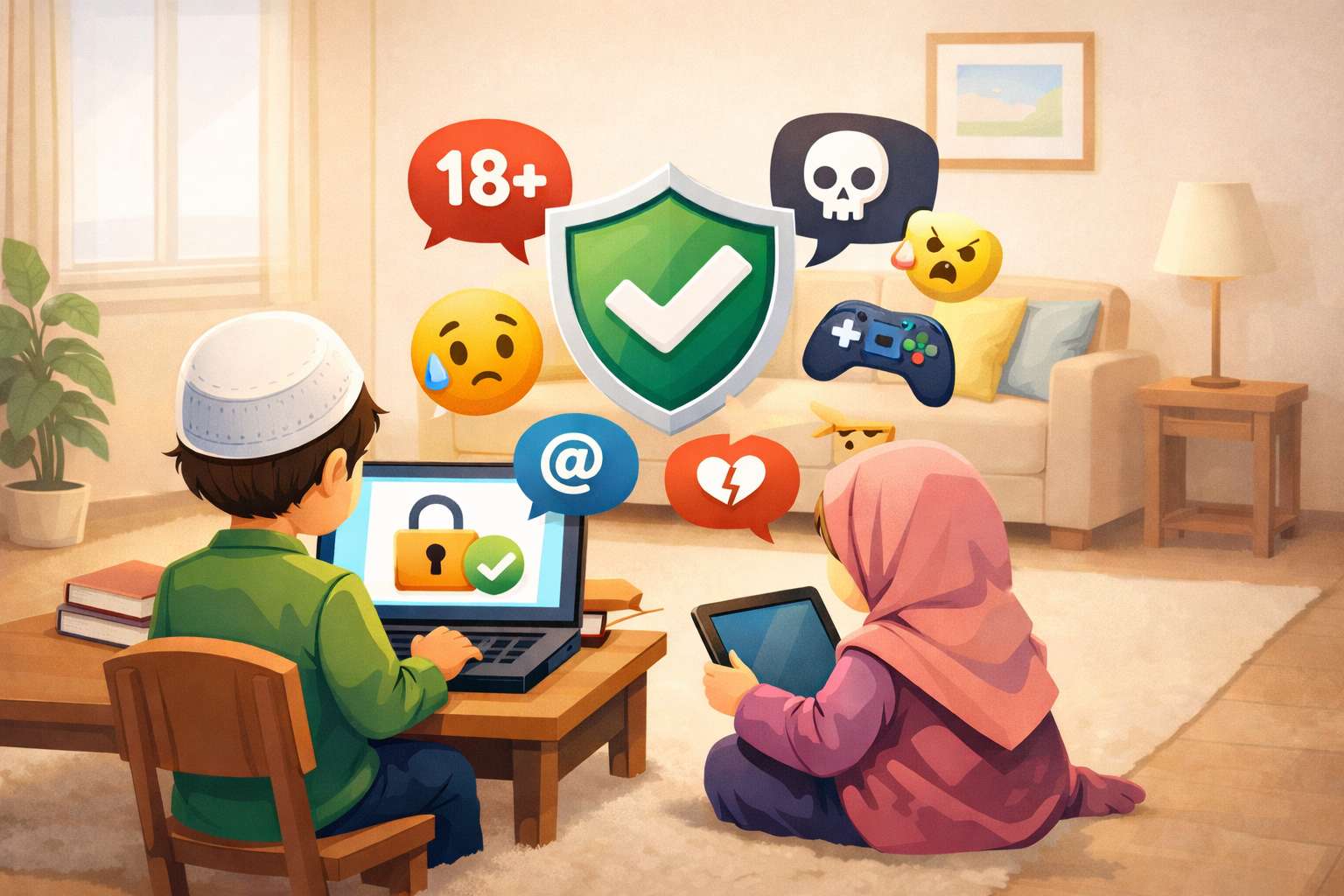
What Parents Should Know About Cybersecurity for Kids
Cybersecurity is no longer just a technical concept—it is a life skill. Teaching children how to protect their personal information and recognize online threats is just as important as teaching them road safety.
Kids today are naturally curious and tech-savvy, but they often lack awareness of online dangers. That’s why parents must actively guide them in building safe digital habits from an early age. When children understand how the internet works and where risks lie, they become more responsible and confident users.
1. Strong Passwords Are Digital Locks
Passwords act as the first line of defense for your child’s online accounts. Weak passwords can easily be hacked, putting personal data at risk.
Encourage your child to think of passwords as secret keys that should never be shared. Teach them to create strong passwords using a combination of uppercase letters, lowercase letters, numbers, and symbols. It’s also important to avoid using obvious information like birthdays or names.
Building this habit early ensures your child develops a strong security mindset that will protect them in the long run.
2. Beware of Phishing and Suspicious Links
Phishing scams are one of the most common ways cybercriminals target children. These scams often appear as harmless messages, emails, or pop-ups designed to trick users into clicking malicious links.
Teach your child always to question unfamiliar messages and avoid clicking on suspicious links. Explain that if something seems too good to be true—like winning a prize—it probably is.
Encouraging cautious behavior online helps children avoid falling into traps that could compromise their safety.
3. Understanding Digital Footprints and Online Privacy
Every action your child takes online leaves a digital footprint. Whether it’s posting a photo, leaving a comment, or liking a video, all activities contribute to their online identity.
Help your child understand that once something is shared online, it can be difficult—or even impossible—to remove. Encourage them to think carefully before posting anything and to avoid sharing personal details such as their address, school name, or phone number.
Using privacy settings on apps and platforms is another crucial step in protecting their information. These small actions can make a big difference in maintaining online safety.
4. Preventing and Responding to Cyberbullying
Cyberbullying is one of the most serious challenges children face online today. It can affect their emotional well-being, confidence, and mental health.
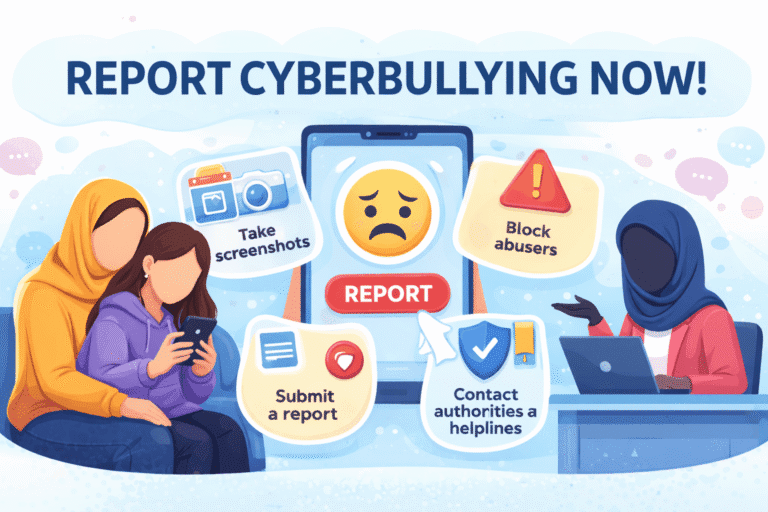
Teach your child to stay calm and avoid responding to bullies. Instead, they should block and report abusive users immediately. Saving evidence, such as screenshots, can also help when reporting incidents.
For a complete guide, read this in-depth article on how to protect kids from cyberbullying effectively
You should also educate yourself and your child on how to report and prevent cyber abuse on social media platforms.
5. Safe Downloads and Keeping Devices Updated
Many online threats come from unsafe downloads, fake apps, and misleading pop-up ads. Children may accidentally install harmful software without realizing the risks.
Teach your child to only download apps or files from trusted sources and always ask for permission before installing anything. Keeping devices updated with the latest software is equally important, as updates often fix security vulnerabilities.
By combining awareness with simple precautions, you can significantly reduce the chances of cyber threats.
How to Teach Kids About Online Privacy and Security
Teaching kids about online safety should be an ongoing process rather than a one-time conversation. The goal is to gradually build their understanding and confidence so they can make smart decisions independently.
1. Start with Open and Honest Conversations
You don’t need to be a tech expert to guide your child. Start by asking simple questions about their online activities, favorite apps, and the people they interact with.
Creating a safe and judgment-free environment encourages children to share their experiences openly. This makes it easier for you to guide them when challenges arise.
2. Teach the Importance of Keeping Personal Information Private
Children often don’t realize the value of their personal information. Explain to them why details like their home address, school name, and phone number should never be shared online.
Using real-life comparisons can make this concept easier to understand. For example, just as they wouldn’t share personal details with strangers in real life, they shouldn’t do so online either.
3. Build Strong Password Habits Early
Developing good password habits at a young age can prevent many security issues later. Encourage your child to use different passwords for different accounts and avoid reusing the same one everywhere.
You can even turn this into a fun activity by creating strong passwords together and explaining why they matter.
4. Explain the Concept of a Digital Footprint
Children need to understand that their online actions leave a lasting impact. Comparing a digital footprint to footprints in sand can help them visualize how their actions remain visible over time.
Encourage them to pause and think before posting anything online. This simple habit can prevent many future problems.
5. Teach Privacy Settings and Safe Sharing
Most apps and games offer privacy settings, but many children don’t know how to use them. Sit with your child and guide them through these settings.
Show them how to control who can see their content and explain the difference between public and private sharing. This empowers them to take control of their online presence.
6. Encourage Reporting and Open Communication
One of the most important aspects of online safety is trust. Your child should feel comfortable coming to you if something goes wrong.
Reassure them that they won’t be punished for mistakes and that their safety is your top priority. Encouraging open communication helps address problems early before they escalate.
Best Online Safety Games and Educational Resources
One way to teach kids about the internet is to include them in interesting projects. Interland, which falls under Google’s Be Internet Awesome, is an excellent game that kids can use to learn online safety basics. This game allows children to learn vital online safety lessons in the form of exciting quests.
The benefits of playing the Google internet safety game to learn online safety are numerous:
● Interactive Learning: Instead of making it boring, Interland teaches online safety in an interactive way.
● Practical Skills: The game concentrates on important topics such as sharing safely online, not falling for online frauds, creating reliable passwords, and treating others kindly online.
● Reinforces Positive Habits: Good habits learned while playing games are generally carried over into real life..
● Accessible and Free: Anyone can log into Interland because it is freely accessible and simple to find.
● Parental Resources: With the tools from “Be Internet Awesome,” parents and educators can bring up and build on the game’s lessons.
Fun interactive resources can help children better understand how to be safe online. It is easier to learn when it is a big game. This is a list of some of the best online security games and learning resources that can be initiated in children.
Best Online Safety Games
● Google’s “Interland” (from the “Be Internet Awesome” program):
The part of Google’s “Be Internet Awesome” program called “Interland”. The game lets children learn about online safety by participating in fun quests, helping them remember and understand tough topics. Through playing, children understand the importance of being safe on the internet.
● NetSmartzKids:
NetSmartz is a program by the NCMEC and offers videos, games, and activities to help children avoid danger on the internet. It concerns parents since it explains cyberbullying, internet gambling, and tips for staying safe online, depending on their children’s age.
● FBI Safe Online Surfing (SOS):
It targets various grades (3rd-8th) and assists students in operating a virtual map, solving questions, and getting rewards. As they explore internet safety, such as proper sharing and security.
● Digital Passport by Common Sense Media:
Six online games in this suite offer points, called badges, to give children motivation to learn how to be safe and responsible online.
● Band Runner (CEOP Education): With characters from the “Play Like Share” films, Band Runner is a fast-paced game that helps kids understand online safety in various contexts. Such as connected to playing, liking, sharing, chatting, securing privacy, and exploring the web.
Also, check out this list of safe and educational online games for kids.
Educational Resources
In addition to games, some organizations offer full resources to parents and educators:
● Common Sense Media: Common Sense Media offers apps, games, movies, and website reviews that are age specific. It also has educational blogs and guidelines on digital citizenship, privacy and online safety.
● Family Online Safety Institute (FOSI): A global organization that works towards ensuring that the Internet is safe for children as well as families. They provide expertise, assistance, and ideas on how they can remain safe on the internet.
● Internet Matters: Internet Matters, non-profit organization based in the UK. It gives individual consultation, useful digital services, and age-specific safety instructions to families.
● NSPCC Learning (UK): NSPCC in the UK offers various materials, training sessions, and information concerning various parts of online safety. Like cyber bullying, posting pictures on the internet, and dealing with potential online threats.
Family educational resources may empower kids and parents. It is the combination of interesting online games and detailed and reliable information.
Conclusion: Raising Safe, Smart, and Responsible Digital Kids
Keeping children safe online is not about strict control—it’s about guidance, education, and trust. When parents stay involved and proactive, children learn to navigate the internet responsibly.
By teaching cybersecurity basics, encouraging open communication, and using trusted resources, you can create a safe digital environment for your child. Over time, these lessons will help them become confident and responsible digital citizens.
The ultimate goal is simple:
Help your child enjoy the benefits of the internet while staying safe, aware, and empowered.